Вашою мовою цієї сторінки поки немає. Ви читаєте англійський текст.
Knowledge base
This profile is beyond the plan limit. Upgrade or delete extras
Nothing was deleted
The profile is still there in full. Its name, its fingerprint, its proxy and the browsing data behind it are untouched, and it is still listed on every machine you signed in on.
Only opening is refused. Renaming it, moving it to another group, changing its proxy or deleting it yourself all work as before.
Where the number in brackets comes from
The refusal is written in the language the app is set to, and the number in it is the one that applies at that moment.
It is what the plan in effect covers: the tier you bought plus any profiles added on top of it one at a time, and never less than the floor of the plan itself.
When the period you paid for runs out, the plan in effect becomes the free one and the number falls with it. That is the moment profiles above it stop opening.
A profile above the number that is open at that moment is closed by the app at the next lock check, once a minute. The bell shows the line “Profile closed: over the plan limit” with the name of the profile, the plan and the number. Profiles within the number keep working.
Paid time is not taken away
Which profiles keep the slots
Slots go to the oldest profiles. The workspace owner's come first, then everyone else's by age.
The order is fixed, so the same profiles stay open instead of a different one falling out at every launch.
One number for the whole team
A workspace has one pool of slots and it belongs to its owner. Profiles created by members and profiles shared with you are counted in that same number, not in a second one of their own.
A teammate who joins with older profiles therefore does not push the owner's profiles out. The owner is served first, and members fill what is left.
Three ways to open it again
All three take effect at the next launch. Profiles bought one at a time count only while a paid plan is in effect, so an ended subscription has to be renewed first.
Move up a tier
A higher tier covers more profiles, and the number in the line grows with it.
Add profiles one at a time
Slots are sold singly on top of the tier. They stop counting the moment the plan in effect is the free one.
Delete what you no longer need
A profile moved to the recycle bin stops holding a slot at once.
The app and the account page name them in advance
Your account page counts the frozen profiles from the same mark the server puts on them and says how many there are.
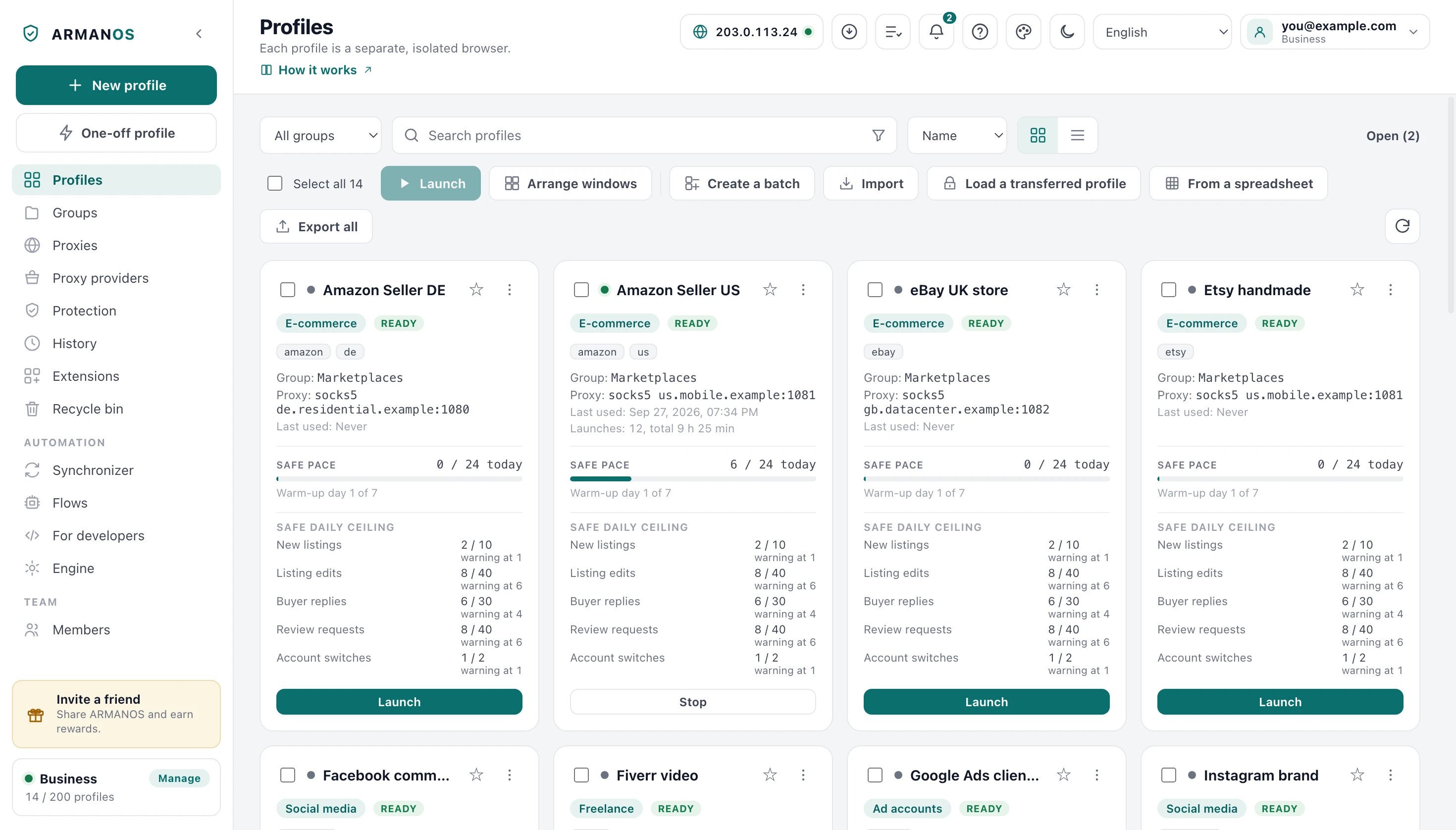
In the app such a profile sits in the list marked “Over the limit”. A strip above the list says how many profiles there are and how many the plan opens.
What this article does not cover
- How many profiles may be open at the same time. That is a different refusal with a line of its own, and it is computed from the memory in this machine.
- A member who has lost their seat in the team. Seats are counted separately from profiles, and that refusal says so in its own words.
- What each plan and each tier covers. Those numbers live on the pricing page, where they can change without this article changing.
- Erasing a profile for good. The recycle bin and its Delete permanently button are their own subject.
Where this is decided
Each statement above names the file that decides it, and a stand where there is one.
- The refusal at launch is shown in the language of the app and names the plan and the number
- apps/desktop/test/отказ-запуска-на-своём-языке.js
- The tier bought raises the number above the floor of the plan
- packages/shared/src/index.js
- Slots are handed to the oldest profiles and the owner's come first
- apps/server/src/profiles/profiles.service.ts
- A profile above the number is refused at opening and at lock renewal, and none of them is deleted
- apps/server/test/quota-follows-plan.js
- A cancelled subscription keeps its profiles until the paid period ends
- apps/desktop/test/paid-time-not-taken.js
- The account page counts frozen profiles from the mark the server sets
- apps/web/test/attention.js
- The app draws a profile above the limit with a mark and does not open it, when signed in and after signing out
- apps/desktop/test/предел-профилей-все-дороги-живьём.js
- An open profile that goes above the limit is closed at the lock check with a line in the bell, and profiles within the limit keep working
- apps/desktop/test/предел-профилей-продление-живьём.js · apps/desktop/test/предел-продление-по-ответу.js
Questions
- Does a profile in the recycle bin still hold a slot?
- No. Only profiles that have not been deleted are counted, so moving one to the bin frees its slot at once.
- Will restoring a profile from the bin always work?
- No. A restore is checked against the number again, and it is refused when the slot has been taken in the meantime.
- Does cancelling a subscription freeze profiles straight away?
- No. The plan and its number of profiles hold until the period that was paid for ends, and only then does the free number apply.
- Do profiles shared with me count against me?
- They count in the workspace owner's number, the same one their own profiles are counted in. You do not carry a second number of your own.
- If I sign out, do the profiles above the limit open?
- No. Without signing in, the Free plan limit applies: the oldest profiles within it open, and the rest are marked “Over the limit” and kept. Signing in to a free account does not raise that limit.