Esta página ainda não está no seu idioma. Está a ler o texto em inglês.
Solutions
Social media
- 6
- platforms the scenario is built around
- 40 → 200
- recommended pages a day, on day one and after the ramp
- 29
- real devices behind the phone and tablet templates
- 30
- ordinary sites the Cookie robot walks, in its own order per profile
Accounts that must not meet
You run accounts for clients, or several brands of your own. Signing in is the small part of the problem.
Platforms match accounts by the device that opens them and by the network they arrive from. Two accounts opened in one browser share both.
How this is handled today
Each of the usual answers cuts one link and leaves the others. A platform only needs the ones left.
Two accounts that have traded one shared thing for another are still two accounts that can be joined.
| Approach | Closes | Leaves open |
|---|---|---|
| A second browser profile | The cookie jar | One machine underneath: same fonts, same graphics card, same address |
| An incognito window | The jar, at the end of the session | The same device, and the session you needed to keep |
| A VPN | The address a platform sees | Cookies, storage, device readings, tracking parameters in links |
| A fingerprint extension | Some values, rewritten inside the page | Values a page can read back, and everything the page did before the script ran |
| A machine per account | Almost everything, honestly | Gigabytes and a separate update cycle for every account |
| A profile per account | Storage, device, exit address, clock, extensions | Your posts, your captions and the hours you keep |
One profile is one browser
A profile is a separate browser with a separate data directory. Cookies, local storage, service workers, the cache and saved logins live there and nowhere else.
What belongs to the profile
Six things belong to the profile rather than to the computer it runs on.
Its own data directory
Cookies, storage, cache and saved logins stay in one folder per profile and are never shared.
Its own device
Derived at launch from the template, the profile id, the generation and the engine version, rather than stored.
Its own exit
HTTP, SOCKS5 or your own server over SSH. If it will not come up, the launch is refused instead of going out from your home address.
Its own clock and language
When the proxy country is known, the timezone and the language stack come from that country.
Its own extensions
Chosen per profile, from the built-in catalogue of 11 or by store link with the signature checked.
Its own start page
A local page showing the exit address, the engine version and the device the browser was actually handed.
Six platforms and their rules
The scenario names six platforms and loads three blocklists, 74 distinct entries after they merge. Blocking is deliberately narrow: sign-in, media and captcha hosts are left alone, because a profile that cannot log in is not a protected profile.
A platform also watches you with its own requests, from its own address, where a domain list cannot reach. Path rules reach there, and each set fires only on the hosts it belongs to.
| Platform | Cross-site list | First-party rules | Click id stripped |
|---|---|---|---|
| Sim | linkedin.com, licdn.com | li_fat_id | |
| Sim | facebook.com, fbcdn.net | fbclid, mibextid | |
| Sim | instagram.com, cdninstagram.com | igshid | |
| X | Sim | x.com, twitter.com, twimg.com | twclid |
| TikTok | Sim | – | ttclid |
| Sim | pinterest.com, pinimg.com | epik |
The rule that matters most
Where TikTok gets less
TikTok gets less, and the table says so instead of implying otherwise. Thirteen entries in the cross-site list and its click identifier stripped, and no first-party rules, because none has been measured against it yet.
A phone profile is a device
Two of the five templates are mobile. Behind them stand 22 phones and 7 tablets, one line each: screen in layout points, pixel density, the graphics string, cores, memory and the vendor's own fonts.
A profile is given one of those devices whole. One handset's screen with another's fonts is not a rare device, it is a tell.
- navigator.userAgent
- Mozilla/5.0 (Linux; Android 10; K) AppleWebKit/537.36 (KHTML, like Gecko) Chrome/153.0.0.0 Mobile Safari/537.36
- navigator.platform
- Linux armv8l
- Client hints: model
- moto g84 5G
- Client hints: mobile
- true
- screen
- 393 x 873, devicePixelRatio 2.75
- navigator.maxTouchPoints
- 5
- hardwareConcurrency / deviceMemory
- 8 / 8
- WebGL renderer
- ANGLE (Qualcomm, Adreno (TM) 619, OpenGL ES 3.2)
- navigator.connection.type
- cellular
- downlink / downlinkMax / rtt
- 2 Mbps / 100 Mbps / 100 ms
- fonts
- 12 Android families, Moto Sans among them
- timezone / languages
- America/Argentina/Buenos_Aires, es-AR
One phone profile as the app generates it, with no proxy set. Device, country and link quality are all derived from the profile id, so the same values come back on every launch, and a proxy replaces the country, the clock and the languages with its own.
A phone profile still runs on your computer
Warm the profile before login
A profile created five minutes ago, with an empty cookie jar and no history, is a signal by itself. The Cookie robot (an item in the profile menu) browses ordinary public sites inside that profile first, so the account opens in a browser that has been used before.
The pool is 30 addresses in six groups and nothing in it asks for a login. Selection and order are shuffled per profile, so two profiles do not walk the same sites in the same order.
- 1
Create the profile with its scenario, template and proxy
The clock and the language follow the exit, so this is the moment that decides them.
- 2
Warm it before the first login
Per site the robot opens, settles, scrolls, pauses, scrolls further and pauses again.
- 3
Sign in and stay inside day one
On day one Safe pace is 40 pages, and the Safe daily ceiling section shows three posts, five DMs and one account switch.
- 4
Let the ramp finish
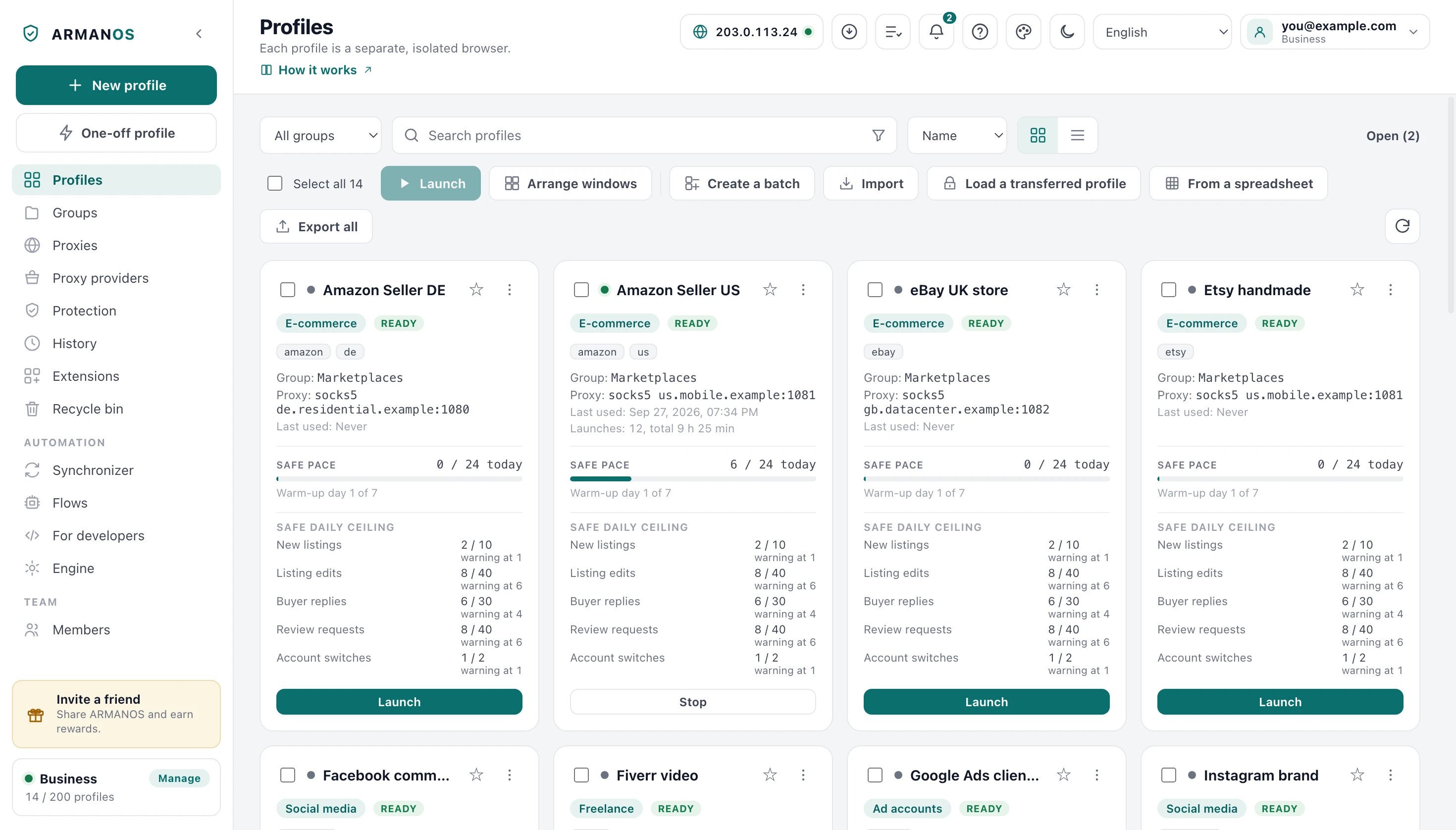
The ceiling rises daily and reaches the full 200 on day seven. The card shows which day the profile is on.
One counter and the Safe daily ceiling
The recommended ceiling is 200 pages a day, counted as top-level navigations in that profile's windows. The count is kept in a small file, so a restart does not lose it, and resets on the first access of a new day.
The Safe pace bar on the card turns amber from 80 percent of the ceiling and red at it, while the per-action numbers are only shown. Nothing is ever blocked: the app cannot know that your fiftieth profile view is riskier than your fifth.
| Action | Daily ceiling | Day one |
|---|---|---|
| Profile views | 50 | 10 |
| Invitations | 15 | 3 |
| Searches | 30 | 6 |
| Follows | 40 | 8 |
| Likes | 120 | 24 |
| Comments | 30 | 6 |
| DMs | 25 | 5 |
| Friend requests | 20 | 4 |
| Posts | 15 | 3 |
| Account switches | 2 | 1 |
Ten windows one pair of hands
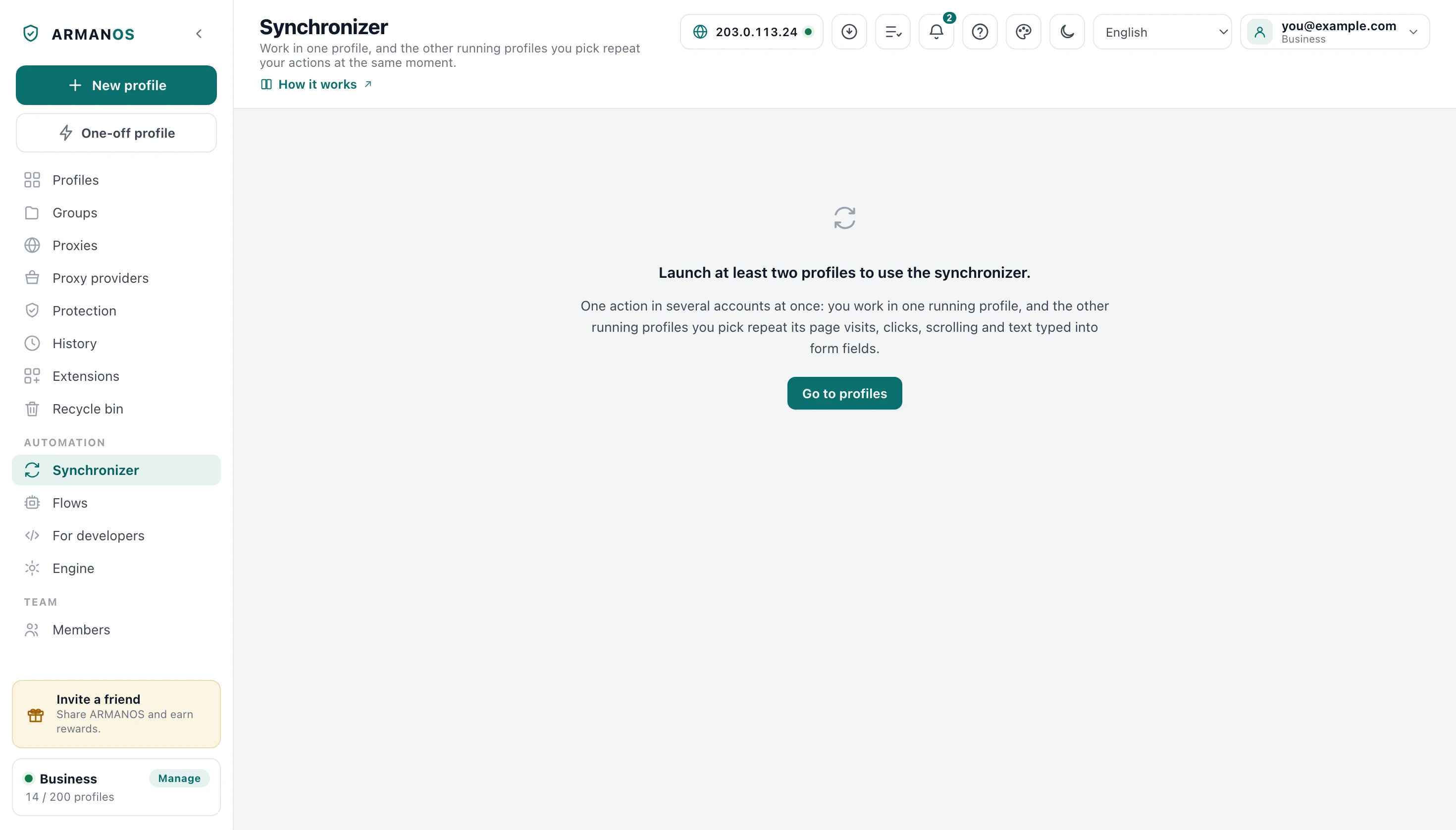
The synchronizer repeats one running profile in the others, each window after a short pause of its own. You pick a master among the open profiles, then the targets that repeat it.
Use it for the mechanical half: the same navigation, the same form, the same settings change. Ten windows doing something a person would not do is that thing done ten times.
Mirrored
Typed addresses, clicks by CSS path or by position in the viewport, scrolling, letters, pastes and keys.
Not mirrored
Rich text composers without a value property, file uploads, drag and drop, hover and anything drawn on a canvas.
The windows
Tiled on the display your cursor is on, in a grid sized to the number of open profiles. A cell smaller than 420 by 320 points is refused and counted.
What this does not do
- It does not make your behaviour human. Pages are counted and coloured and the rows of the Safe daily ceiling section only shown, never enforced, and the app cannot judge whether a comment reads like a person wrote it.
- It does not write, schedule or publish posts. There is no content generator and no scheduler for posting inside the app.
- A phone profile is not a phone. On a desktop machine it carries a few of that machine's fonts as well, because without them pages come out blank, and a site that measures fonts can see them.
- It does not run a platform's own mobile app. A phone profile is Chrome on Android, so anything that exists only inside a native app stays out of reach.
- First-party telemetry rules cover LinkedIn, Facebook, Instagram, X and Pinterest. TikTok gets the cross-site list and its click identifier stripped, and nothing beyond that.
- The synchronizer repeats clicks, scrolling, letters, pastes and keys, in form fields and in the box of a post alike. File uploads and drag and drop are not repeated.
How to check
Each claim on this page has a file that implements it and a stand that holds it. Both ship in the repository.
- The scenario really sets the lists and the Safe daily ceiling rows
- packages/shared/src/index.js (SCENARIOS.social) · apps/desktop/test/слитый-сценарий.js
- First-party telemetry rules fire only on their own hosts, and LinkedIn's rules reach the Social media scenario
- apps/desktop/src/lib/tracker-rules.js · apps/desktop/test/слежка-по-хостам.js
- A phone profile answers as a phone in the fields sites actually read, inside cross-origin frames too
- apps/desktop/src/lib/mobileEmulation.js · apps/desktop/src/lib/mobileWindow.js · apps/desktop/test/телефон-живьём.js · apps/desktop/test/mobile-really-mobile.js
- The Cookie robot shuffles per profile and promises only the run it will actually make
- apps/desktop/src/lib/cookieRobot.js · apps/desktop/test/cookie-robot.js · apps/desktop/test/robot-promise-kept.js
- The synchronizer repeats the master's actions in the tab you are looking at
- apps/desktop/src/main/main.js · apps/desktop/test/синхронизатор-берёт-видимую-вкладку.js · apps/desktop/test/синхронизатор-живьём.js
- Eight profiles open at once, ten with one environment variable, and the tiling really moves the windows
- apps/desktop/test/восемь-окон.js · apps/desktop/test/раскладка-живьём.js
Questions
- Why does a phone profile report Android 10?
- Because modern mobile Chrome reports a frozen user agent, Android 10 and the letter K. A real version and model there would give the profile away in the first header.
- How long should a first warm-up run be?
- Six to twelve sites at twenty seconds each is a reasonable start. Up to five profiles can warm at once, each with its own selection and order.
- Can the robot walk my own list of sites?
- Yes, up to 60 addresses of your choosing. They replace the built-in pool for that run.
- Which tab does the synchronizer mirror?
- The one the pages themselves report as visible, remembered for the session. A profile with a start page has more than one tab, and the first one need not be the one you are looking at.
- What does the tablet template give me?
- Mobile layout with desktop client hints, which is exactly what real Chrome on a tablet reports.
Read next
Cookie robot
Every setting of a run, the site pool and what a run costs in real time.
Synchronizer
The master, the targets and the events that travel between them.
Safe pace and warm-up
The counters of all five scenarios and the warm-up curve behind them.
Fingerprint
How the device is derived, and the readings, up to 37, the app checks it by.
Ad accounts
The neighbouring scenario, with its own platforms and much tighter ceilings.
Two profiles are enough to see it
The free plan gives two profiles, which is also the minimum the synchronizer needs. Create one social profile, warm it, and read what its start page reports before you sign in anywhere.