このページはまだお使いの言語では用意されていません。英語の文章をご覧いただいています。
Automation
Schedules and headless mode
- Every day, chosen weekdays, or every 1 to 24 hours
- How often
- Every 30 seconds, inside the app
- Scheduler tick
- 30 minutes of grace, then the slot counts as missed
- Late is late
- --headless=new, and no --disable-gpu next to it
- Headless flag
What a schedule holds
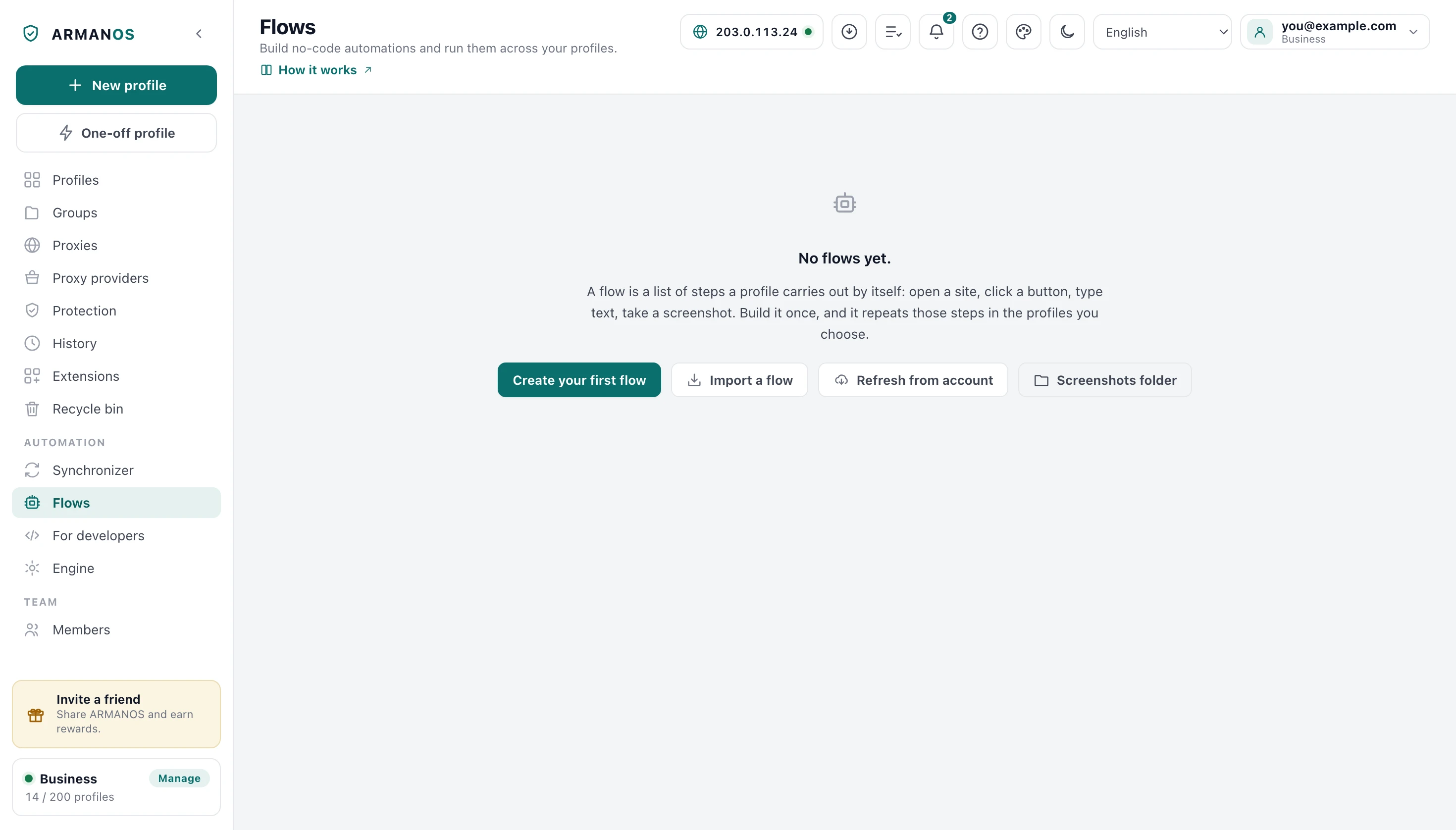
In every schedule you pick one flow and the profiles it should run over. A schedule cannot exist without a flow, so there is no rule that merely opens five profiles at nine and leaves them sitting there.
Each flow row tells you whether it has a schedule and when the next slot falls. One button opens every schedule in a single list, soonest first.
Flow
The automation to run. A schedule without one would be an alarm ringing at nothing.
Profiles
The ones the flow runs over, and all of them from your workspace.
How often
Every day, chosen weekdays, or every 1 to 24 hours.
At
Hours and minutes as HH:MM, in your own local time.
At once
From 1 to 5 profiles in parallel, so thirty profiles become a queue rather than thirty sign ins in one minute.
Pause
Pause and Resume without losing the settings.
The run happens here
The app carries a clock of its own and looks every 30 seconds for the schedules that are due. Your account stores them so they travel between your machines, and it never runs them.
That split is deliberate. Opening a profile needs its cookies, its fingerprint and its browser, and those live on your computer rather than in a datacentre. A proxy password from the team's proxy library is stored in the account sealed and arrives for the launch.
What the app says, word for word
Local time stays local
Every day at 9:00 means nine in the morning where you are sitting. Nine in the morning stays nine after a clock change, because twice a year a day is not twenty four hours long.
Move your machine to another time zone and the next slot stands at the new local time. A slot that is already due is not lost on the way, so a clock change never swallows the run you are waiting for.
Missed slots are not replayed
Suppose the computer slept for three days and three slots did not happen. You do not get them now, and this is the most deliberate decision in the whole feature.
Thirty profiles waking at once, at an hour they never normally work, is exactly the burst that reads as a robot. Making up lost runs would produce that burst with our own hands.
The thirty minute window
A slot still fires if the app sees it within 30 minutes of its time. Later than that you find it in the missed count instead, and that count is of real slots, so a weekly schedule counts weeks.
- 1
You open the lid
Within thirty seconds the app looks for the schedules that are due.
- 2
Overdue slots move forward
Anything more than thirty minutes late lands in the future.
- 3
You are told what was lost
One warning per schedule, naming the flow and the number of runs that did not happen.
- 4
Normal service resumes
The next slot fires at its own time, with no queue behind it.
Why a run is skipped
A due slot does not always turn into a run. You see each of these as a notification at the time and as a line you can read the next morning.
You cannot open more profiles than your plan covers, not even with two schedules due in the same minute. You read skips apart from run results, because a skip is not a run with a poor outcome.
| Why | What happens | What you are told |
|---|---|---|
| No active subscription | The slot is skipped and nothing is stored up for later | The run did not happen because the program is locked |
| The previous run is still going | The slot is skipped, so the flow does not walk into its own profiles | The previous run is still going, so this one was skipped |
| The profiles are already open | Nothing is started and the live windows are left alone | Every profile of this schedule is already open |
| More profiles than the plan covers | The list is trimmed to the quota, and the cut rotates so the same tail is not dropped every time | How many profiles were left out, and how many the plan covers |
| The schedule file could not be saved | The new next time exists only in memory | After a restart the same run may happen a second time, with the disk error quoted |
Where schedules are kept
Schedules live in the workspace, like the proxy library and the flow library. Anyone signed in can see them. The account accepts new and changed schedules only from a manager or above, because a schedule acts on other people's profiles.
A schedule aimed at a stranger's profile or at a flow that is not there is not accepted by the account, and it does not become an alarm that never rings. The app itself checks only that a flow and profiles are named.
A schedule set up in the app runs from the moment it is saved. One arriving from your account lands switched off on this machine until you press Run here.
A profile without a window
Running with no window is the Run without a window (for automation) checkbox in the profile editor, not a checkbox repeated in four dialogs. The browser works as usual, the profile still shows as open, and Stop still stops it.
You tick the box once, and the Launch button, a group start, a flow and a schedule all follow it. A program on the same computer can ask through the local API to hide the window for one run: the launch obeys that request, while window tiling and password fill still read the box on the profile.
Second windows inherit it
A tab window opened by a flow does not pop onto the screen behind your back.
Window tiling skips it
Arrange windows leaves headless profiles out of the grid instead of leaving a hole in it.
Password autofill stays quiet
On the built-in engine the app fills your sign in details, and the hidden window is not pulled to the front. On ARMANOS Browser there is no autofill.
Copies stay headless
Duplicating a night profile gives another night profile, and batch templates carry the flag too.
No background throttling
A hidden window is not slowed down, so a flow inside it does not crawl.
What the engine is asked
ARMANOS Browser is started with --headless=new. The older mode was removed from Chromium and simply does not turn on in this build.
Choosing that mode hides nothing by itself: without a user agent of its own the engine still calls itself a headless build. To the site it is your profile's browser, because the user agent comes from that profile's fingerprint on every launch, window or no window.
The same machine with or without a window
The usual companion --disable-gpu we deliberately leave out, because it removes WebGL entirely and a browser with no WebGL is a louder signal than a browser with no window. A headless profile also opens on one address, and the rest of your addresses become tabs once the browser is up.
- Measured on
- The shipped Windows engine 153.0.7978.0, 4 September
- New mode, no user agent of ours
- The page reads HeadlessChrome/153.0.0.0
- New mode, user agent from the fingerprint
- The page reads the profile's own browser
- Two addresses at once
- The engine refuses and exits with code 13
With a window and without it, a page reads the same computer: the same profile opened twice and compared field by field.
Measured, not assumed
What this does not do
- Nothing runs while ARMANOS is closed or asleep: there is no background service and no cloud runner, so a closed laptop misses its slot. Signing out does not stop the clock, and schedules keep running on the free allowance for as long as the app stays open.
- Missed slots are never made up. You get a count and a warning, not the runs.
- Repeat rules are fixed: every day, chosen weekdays, or every 1 to 24 hours. There are no cron expressions, no one off dates and no interval shorter than an hour.
- A schedule always needs a flow, and it spreads starts only by the At once setting. There is no schedule that merely opens profiles, and no random gap inserted between them.
- Headless removes the window, not the signals. The browser still holds memory, still counts against the open profile limit, and is still judged by its fingerprint.
How to check
Every claim above is a line of code with a stand behind it. Open the file, then run the stand.
- The tick, the quota split and the skip reasons all run inside the desktop app
- apps/desktop/src/main/main.js · apps/desktop/test/schedule-runs.js
- Local time survives a clock change, and missed slots are counted rather than replayed
- apps/desktop/src/lib/schedules.js · apps/desktop/test/schedule-runs.js
- The server stores schedules for the workspace and never executes them
- apps/server/src/schedules/schedules.service.ts · apps/server/test/schedules-shared.js
- A schedule arriving from the account lands switched off, with a button to turn it on here
- apps/desktop/src/lib/schedules.js · apps/desktop/test/расписание-включается-здесь.js
- Headless asks for --headless=new, keeps the user agent switch and adds no --disable-gpu
- apps/desktop/src/lib/forkEngine.js · apps/desktop/test/скрытый-режим.js · apps/desktop/test/скрытое-окно-не-душат-живьём.js
Questions
- What happens when a subscription is about to lapse?
- A subscription has 3 days of grace after its renewal date, and the app keeps working up to 24 hours without reaching your account. Past that a due slot goes by, and nothing is stored up for later.
- Can two of my computers fire the same schedule?
- Only if you switch it on on both yourself. A schedule reaching a second machine arrives marked not on this machine, with a Run here button, and that mark lives on the machine rather than in the account: one account showing a site two sessions from two places is the pattern the product exists to prevent.
- Does Run now move the next scheduled time?
- No. It starts the flow immediately and leaves the schedule alone, so pressing it at eight in the morning does not cancel the nine o'clock run.
- What is written down after a run?
- The outcome as one sign: ok, stopped, or error:2/5, and you read it in words in your own language. A flow over twenty profiles takes hours, so you see the real outcome when the run ends.
- Can a script hide a profile just for one launch?
- Yes. The local start route accepts a headless value in the body or the query string, and the values 0, false and empty mean no, so a night script can hide a profile you normally use with a window.
- When should the window stay on screen?
- For a first sign in and for anything that can raise a code, a captcha or a verification step, and while you are still building the flow.
Read next
Automation builder
Where the flow that a schedule runs is built, step by step.
Cookie robot
A run of its own for a new profile: it starts from the app window and cannot be put on a schedule.
Local API
Start a profile from your own script, with a window or without one.
MCP server
The same launch path, driven by an AI assistant.
Put the nightly run on a timer
Build the flow once, pick the profiles, choose a time. The app does the rest while it is open.